
Schools, nowadays, have the widest range of digital tools available to them. However, this plethora of choices results in a lot of confusion as well. The decision on which tools to use is less about the latest trend and more about picking the one that will genuinely help the whole school in the areas of teaching, learning and its specific requirements. Here is a straightforward and simple guide to assist you in selecting the right tools for your School.
1. Start with your school’s goals
Before diving into specifics to characterize tools, one has to pose an evaluatory question: What are the ultimate goals? Increase student engagement? Enable personalized learning so that students can learn at their own pace? Make it easier for teachers by cutting down on administrative tasks?
When you define your main objectives, you can evaluate the tools in comparison to those objectives instead of just being attracted to the “cool features” alone.
2. Involve the right people
The selection of digital tools is a collaborative process among team members. The educators can tell what is effective in their classrooms, the learners can say what their preferred ways of learning are and the IT specialists can tell what is possible in the existing infrastructure. One survey reveals that more than 80% of the teachers regarded their co-workers as the most trustworthy source in the process of choosing digital tools.
Hence, do not hesitate to involve all these users in the decision-making process—this will definitely make the tool more accepted and less likely to be neglected.
3. Use a thoughtful evaluation framework
It is a good idea to use a checklist or any systematic approach to make a comparison with regard to the options. What is more, these are the major points of consideration:
- Is the tool a necessity for a particular teaching/learning scenario or just a luxury?
- Is the data security along with student-privileges taken care of? Most of the time, digital tools do collect student data, therefore, you would require a secure platform.
- What is the level of school infrastructure (internet connection quality, devices available, and technical-support)? A powerful tool will fail to show its benefits if the infrastructure does not support it
4. Pilot the tool before full roll‐out
Try the tool first on a smaller scale instead of directly buying it for all classes or all grades. For instance, you may select a teacher or a class and provide them with a trial, collect their feedback, watch the interactions between the students and the teachers, and determine whether it is bringing the expected results or not. One guidance suggests regarding the first implementation as a pilot, thus you can modify the plan instead of fully committing without understanding what works.
This way, you can perfect the training, make changes in the workflows, and fix the integration problems, all prior to the complete rollout.
5. Make sure training & support are in place
The superb tool cannot be utilized in the absence of teacher’s comfort or the failure of the support that is provided. Ask questions like: What is the training provided? Is there going to be the lasting professional development? Can I get help when I have problems? Will the vendor be responsible for the updates and maintenance?
Question: For instance, can we afford its cost in the foreseeable future? Is it really fitting that a tool can get flexible because it can get reprogrammed as the school grows or changes? The above questions help in verifying that the tool will be useful rather than just a one-time experiment.
6. Keep student-learning and teacher-workflow at the center
If tools are chosen merely for their “digital trendiness,” they are usually left as toys and not as real aids. Instead, it is better to ask continually: In what way does this tool deliver better learning for students? Does it support teacher practice (instead of making it more difficult)?
For instance, does it allow teachers to have clear dashboards to track progress? Does it enable students to work at different speeds? Does it foster collaboration? One article points out that digital tools should offer real-time feedback and also provide support for the varied needs of students as a matter of course.
Moreover, the user interface must be functional – particularly for children who require tools with easy navigation.
In Conclusion
It is not just a matter of selecting the newest platform or checking off the use of technology when choosing the appropriate digital tools for your school. The selection must be in harmony with the school’s objectives, the right people must be involved, the options must be evaluated thoroughly, and the whole community must be supported with training, feedback, and review during the process of scaling up after piloting.
Improving teaching and learning is the main reason behind this strategy—teachers’ time will be freed up for the most important activities, individualized support will be given to students, and the digital environment will be in line with the school’s values and context.
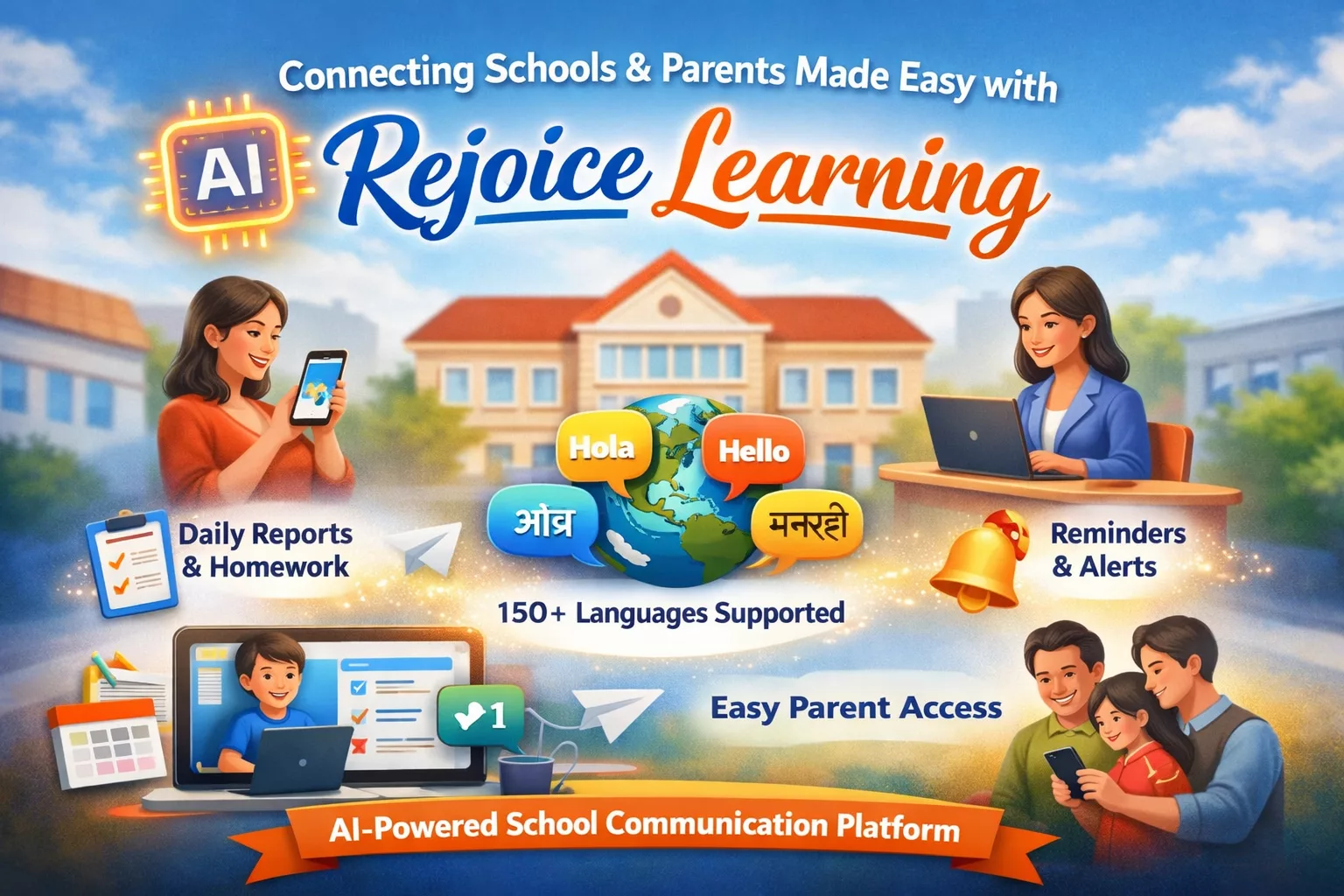
By partnering with Rejoice Learning, you are not only choosing a tool that will help with the personal learning, teacher workflows and overall school system but also making your digital-tool choice really impactful.
FAQs
Why do schools need digital tools?
If the schools use digital tools, then they make learning more engaging, help many teachers save time and give students a more personalized learning experience.
How can we know if a digital tool is right for our school?
First of all, check if they match your school goals. It is easy to use and safe for students. One more thing, check if they fit in your budget system or not.
Should teachers be involved in choosing the tools?
Yeah, for sure, teachers can use the tools daily because their feedback is also very important.z
What’s the best way to test a new tool?
The best way to test this tool is to run a short like, head with a few classes before using it across the whole school. If it runs just the way you think, then try it all around in your school
How can schools make sure teachers use the tools well?
Provide them with proper training, ongoing support, and take the time to learn how to use the tool perfectly.